3.1 KiB
Features
All these features are exposed through the web client, XO-Web, which is using a responsive design.
XenServer administration
This part is about everyday XenServer administration tasks.
Infrastructure overview
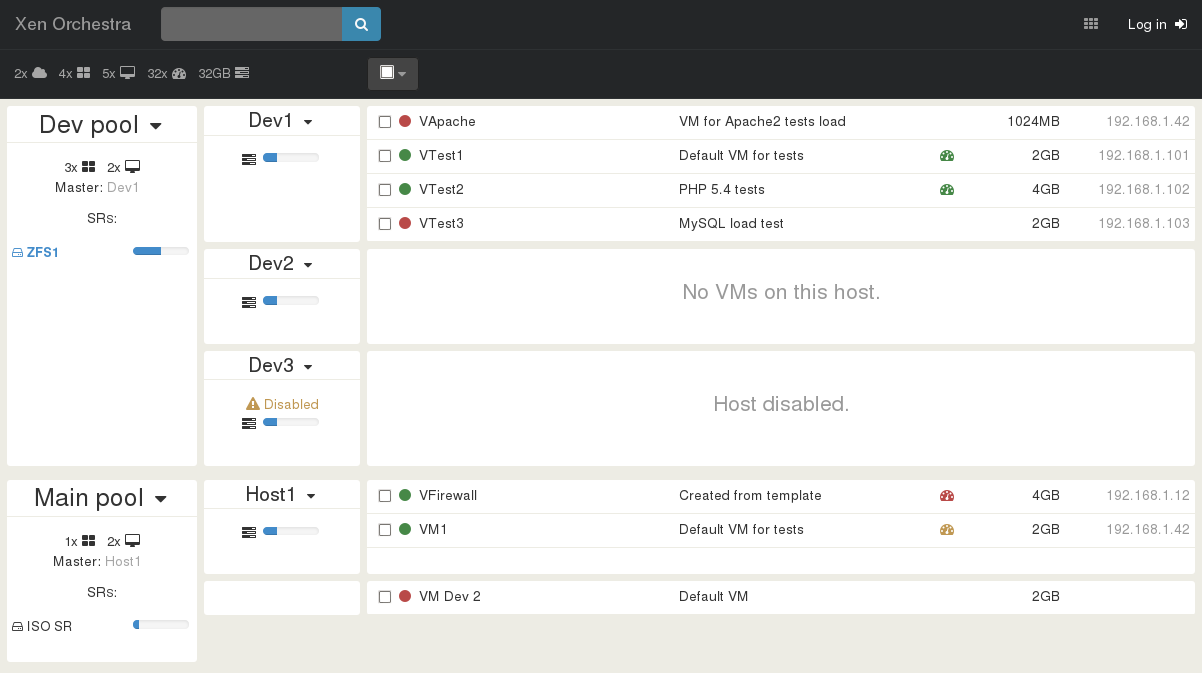
The original motivation of XO was to provide a view to understand the whole infrastructure in a single page. In short, to answer the question: "where is my VM?".
Live filter search
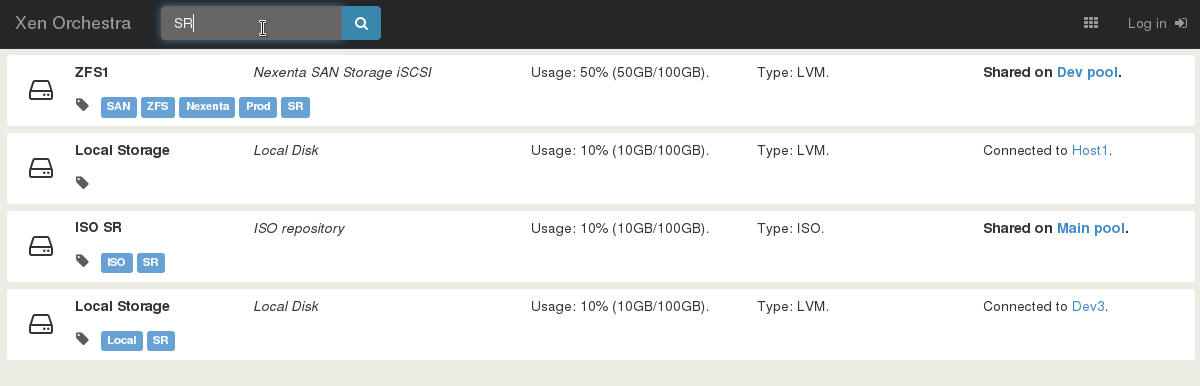
If you infrastructure starts to be big, it could be useful to find exactly what you need. It could be an IP address, a VM name, or a storage name: any object!
Easy VM creation
Creating a VM should be trivial! That's why we are constantly improving our interface to display only what's necessary, but also allow the user to access advanced stuff when needed.
VM import and export
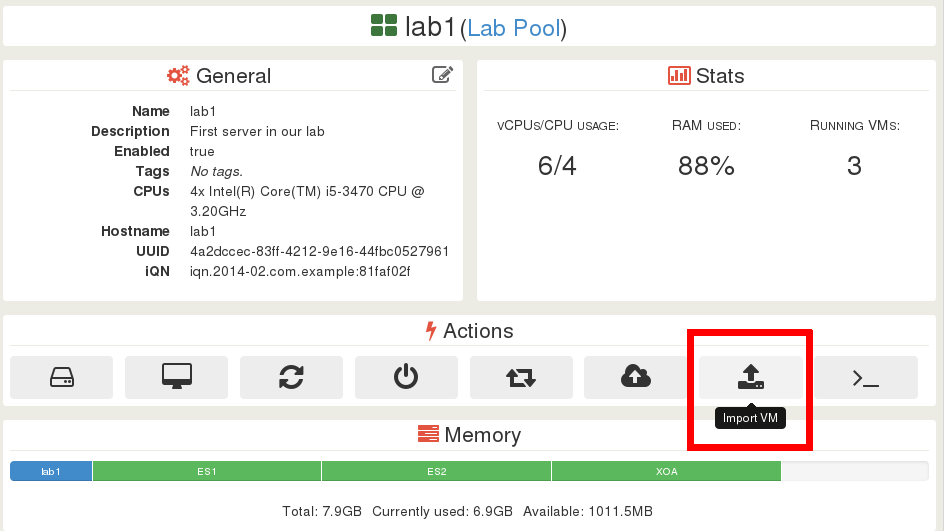
You can import or export a VM directly on your computer, through your web browser.
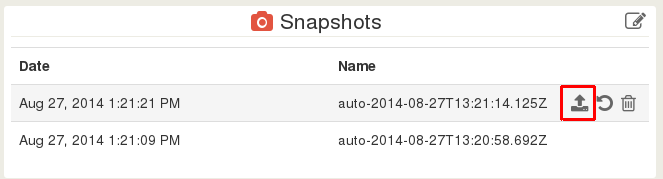
Snapshots management
Statistics
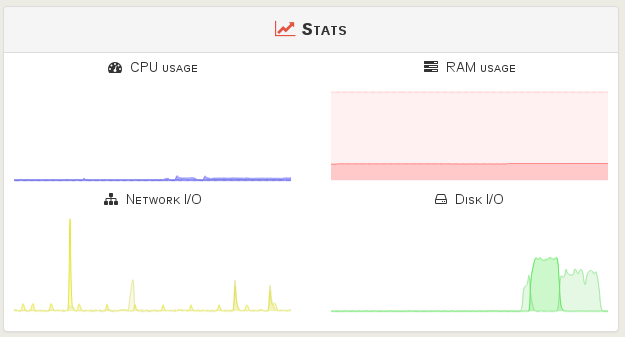
Live statistics are showing the last 10 minutes of VM/host/SR usage.
Auto patching
Patching a host manually could be time consuming (and boring). That's why we provide a high level feature downloading and applying patches automatically.
Batch operations
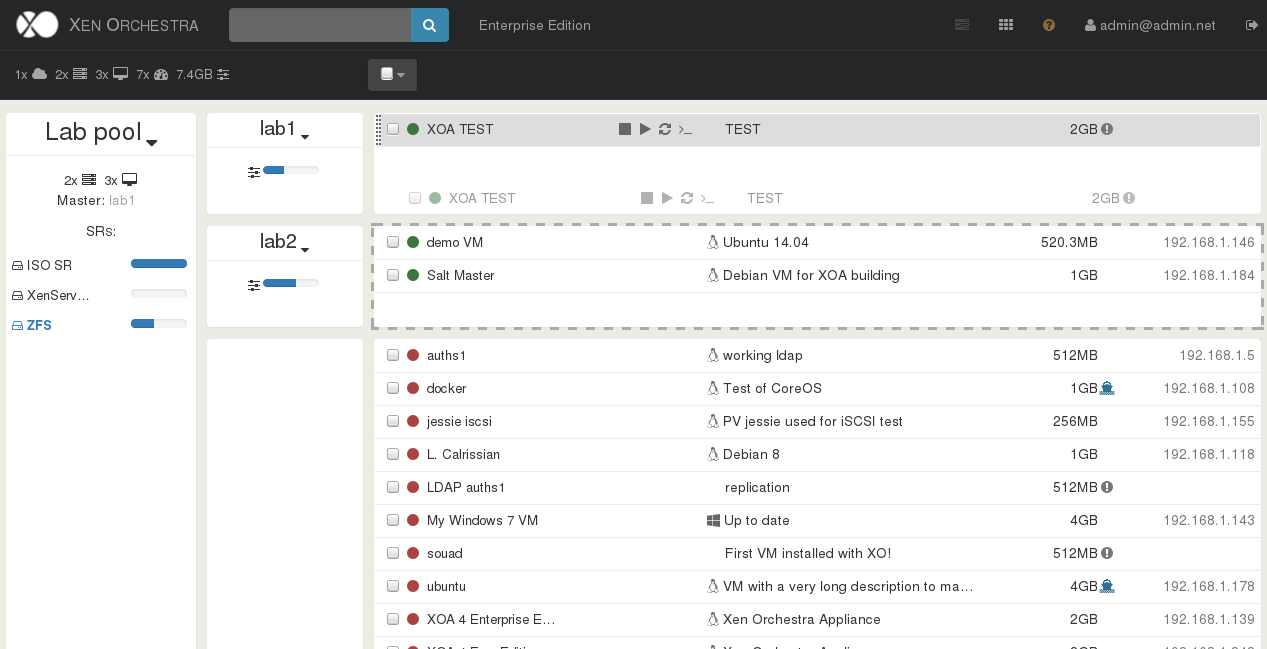
Drag'n drop live migration
You can live migrate a VM just by drag'n drop!
VDI live migration
Thanks to Xen Storage Motion, it's easy to move a VM disk from a storage to another, while the VM is on!